

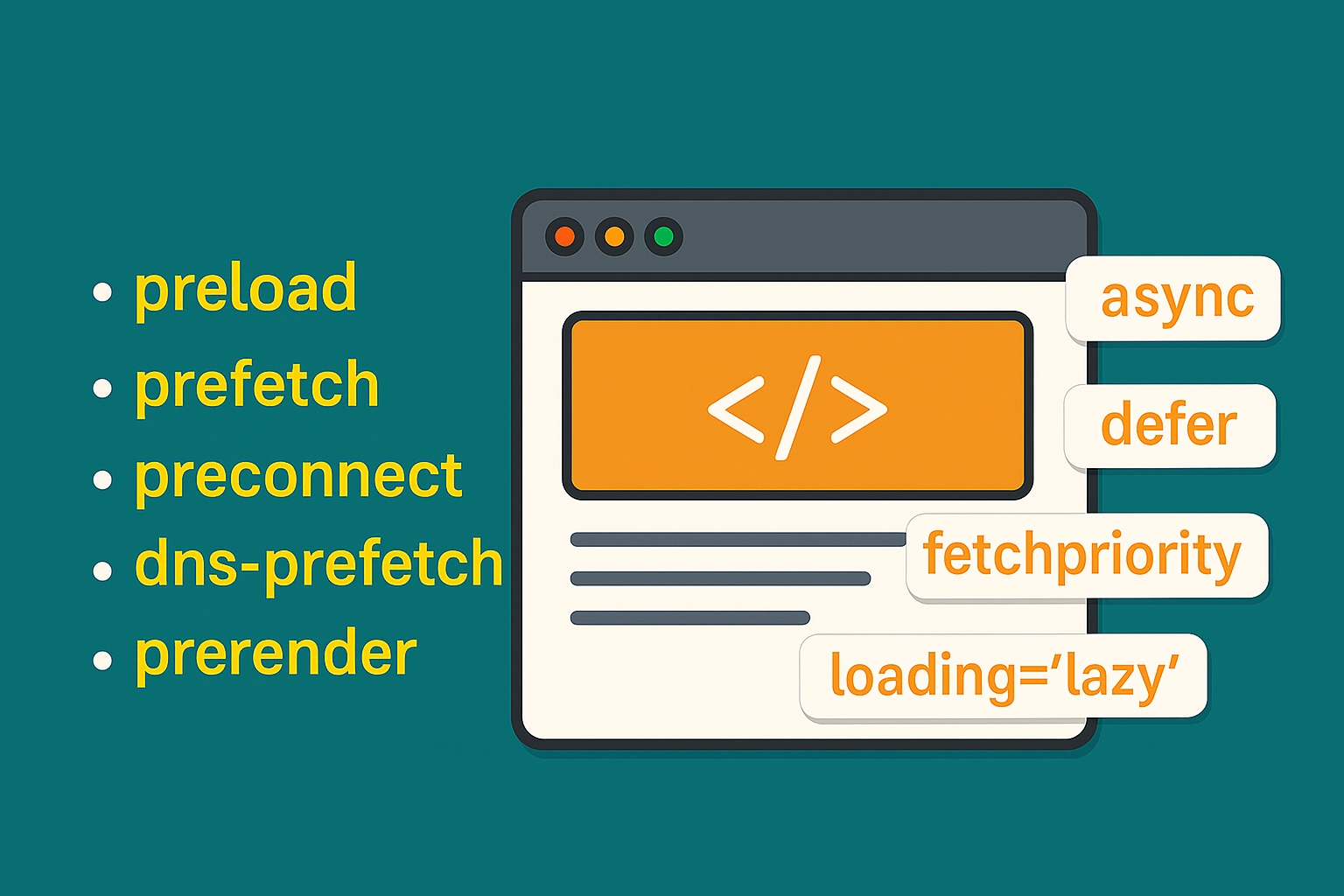
Website performance is critical for user experience, SEO, and engagement. Modern browsers provide several HTML attributes and techniques to help speed up loading and rendering. In this guide, we’ll cover all the important attributes and practices you should know.
1. Resource Hints
Resource hints help the browser prioritize or prefetch resources for faster rendering.
a. preload
Purpose: Loads a resource early, before it’s needed.
Best for: Fonts, scripts, images above the fold.
<link rel="preload" href="/styles/main.css" as="style">
<link rel="preload" href="/fonts/MyFont.woff2" as="font" type="font/woff2" crossorigin>
Benefit: Reduces render-blocking and speeds up critical content display.
b. prefetch
Purpose: Fetches resources for future navigations (low priority).
Best for: Next page scripts, images for upcoming interactions.
<link rel="prefetch" href="/next-page.js">Benefit: Makes subsequent navigations faster.
c. preconnect
Purpose: Opens early connections (DNS lookup, TCP handshake, TLS) to external domains.
Best for: Fonts, APIs, CDNs.
<link rel="preconnect" href="https://fonts.googleapis.com">
<link rel="preconnect" href="https://api.example.com" crossorigin>
Benefit: Reduces latency for external resources.
d. dns-prefetch
Purpose: Resolves the DNS for a domain early.
Best for: Any external domain resource.
<link rel="dns-prefetch" href="//example.com">Benefit: Saves time by resolving domain names before requesting resources.
e. prerender
Purpose: Loads an entire page in the background, making future navigation instant.
Best for: Predictive navigation based on user behavior.
<link rel="prerender" href="/next-page.html">Benefit: Instant page load for the predicted next page (use sparingly).
2. Script Loading Attributes
Optimizing script loading prevents blocking HTML parsing.
a. async
Purpose: Script loads asynchronously without blocking HTML parsing.
Best for: Third-party scripts like analytics.
``html
### b. defer
**Purpose:** Script waits until HTML parsing finishes, then executes.
**Best for:** Internal JS files that manipulate DOM.
```html
<script src="main.js" defer></script>
3. Fetch Priority
fetchpriority tells the browser how important a resource is (high, low, auto).
Best for: Above-the-fold images and critical resources.
<img src="hero.jpg" fetchpriority="high" alt="Hero Image">Benefit: Ensures critical resources are loaded first.
4. Lazy Loading
loading="lazy" loads images only when they are about to enter the viewport.
<img src="image.jpg" loading="lazy" alt="Sample Image">Benefit: Reduces initial page load and saves bandwidth.
5. Critical CSS
Purpose: Inline only the CSS required for above-the-fold content.
<style>
  body { font-family: Arial, sans-serif; }
  header { display: flex; justify-content: space-between; }
</style>
Benefit: Reduces render-blocking requests.
6. Compression & Minification
Techniques: Use Gzip or Brotli for HTML, CSS, and JS.
Benefit: Reduces file size and speeds up delivery.
7. Content Delivery Network (CDN)
Purpose: Serve static assets from servers closer to the user.
Best for: Images, scripts, CSS.
Benefit: Lower latency and faster loading globally.
8. Image Optimization
Techniques:
- Use next-gen formats (WebP, AVIF)
- Resize images appropriately
- Combine with
loading="lazy"andfetchpriority
Benefit: Faster page loads and improved Core Web Vitals.
9. Summary Table
| Attribute / Technique | Purpose | When to Use |
|---|---|---|
| preload | Load resource early | Critical fonts, scripts, images |
| prefetch | Load for future use | Next page scripts, future images |
| preconnect | Early connection | External APIs, fonts, CDNs |
| dns-prefetch | Early DNS resolution | External domains |
| prerender | Load entire page | Predictive navigation |
| async | Async script load | Third-party scripts |
| defer | Script after parsing | DOM-dependent scripts |
| fetchpriority | Resource importance | Above-the-fold, critical assets |
| loading="lazy" | Lazy load images | Below-the-fold images |
| Critical CSS | Inline essential styles | Above-the-fold content |
| CDN | Faster global delivery | Static assets |
| Compression | Reduce file size | HTML, CSS, JS |
| Image optimization | Efficient images | All images |
✅ Conclusion
Using these HTML attributes and performance techniques strategically can significantly improve page speed, user experience, and SEO. Combine resource hints, lazy loading, script optimization, and compression for the best results.