

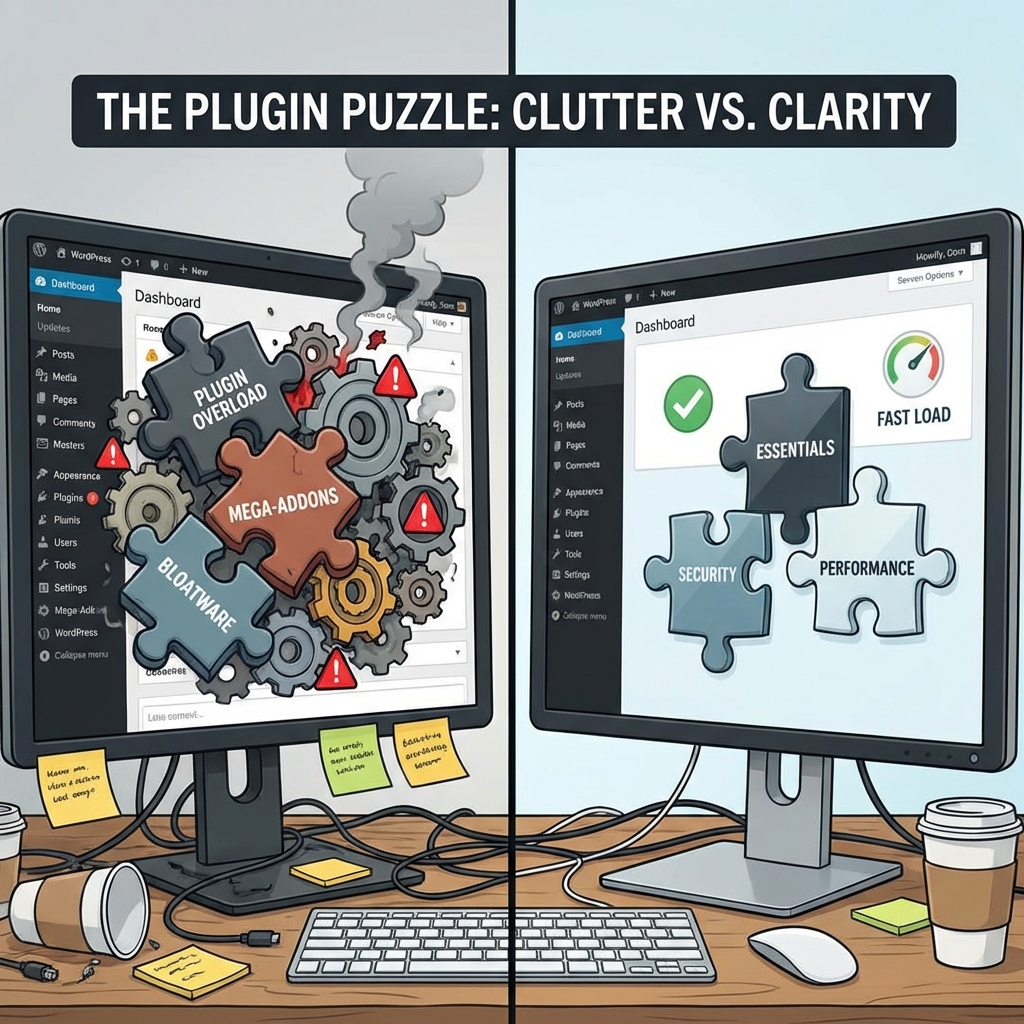
"There's a plugin for that."
This phrase is why WordPress dominates the web. It is also why WordPress sites get hacked.
New users treat plugins like smartphone apps. "Oh, a snow effect? Install. A PDF viewer? Install."
Six months later, they have 57 active plugins and a site that takes 12 seconds to load.
1. The Security Vector
Every plugin is a door into your house.
- 1 Plugin = 1 door to lock.
- 50 Plugins = 50 doors to lock.
98% of WordPress vulnerabilities comes from plugins, not the core software. If you have a "Related Posts" plugin that hasn't been updated in 2 years, you have a backdoor waiting to be opened.
2. The Performance Tax
Every plugin adds PHP code to run on every page load. Even worse, many plugins load their own CSS and JavaScript files on every page, even if the plugin isn't used there.
Example:
You install "Contact Form 7."
It loads styles.css and scripts.js on your homepage, where there is no contact form.
multiply this by 20 plugins, and you have 40 extra HTTP requests.
3. Dependency Hell
Plugins often conflict.
- Plugin A wants jQuery 1.0.
- Plugin B wants jQuery 3.0.
- Your site creates a JavaScript error, and your "Add to Cart" button stops working.
Debugging this requires deactivating plugins one by one, which can take hours.
The Rule of Functionality
Before installing a plugin, ask: "Can I do this with 5 lines of code?"
- Google Analytics: Don't use a plugin. Paste the tracking code in
header.php. - Facebook Pixel: Don't use a plugin. Paste the code.
- Custom Post Types: Use a code snippet generator or
functions.php.
Goal: Keep your active plugin count under 15 (excluding essential utility plugins like ACF or gravity forms).
4. Database Bloat (The Hidden Cost)
Some plugins leave trash behind even after you delete them.
This is stored in the wp_options table, often marked as autoload=yes.
The Consequence: Your database executes a query to load these "options" on every single page load. If you installed a heavy calendar plugin 3 years ago and deleted it, its settings might still be slowing down your site today.
5. The Threat of "Abandonware"
A plugin is software. It needs maintenance. If a plugin hasn't been updated in 6 months, it is a risk.
- Has it been tested with PHP 8.3?
- Are there unpatched security holes?
Rule: Never install a plugin that hasn't been updated in the last 6 months.
6. The "Must-Have" List
You do need some plugins. Here is a safe, minimal stack:
- SEO: RankMath or The SEO Framework.
- Security: Wordfence or Solid Security.
- Backups: UpdraftPlus.
- Forms: Gravity Forms or Fluent Forms.
- Caching: WP Rocket or Autoptimize.
Everything else? Think twice.
Summary
Plugins are tools, not toys. Audit your site today. If a plugin doesn't directly contribute to your bottom line or essential functionality, Delete it (don't just deactivate it).